


Google Pay - anb
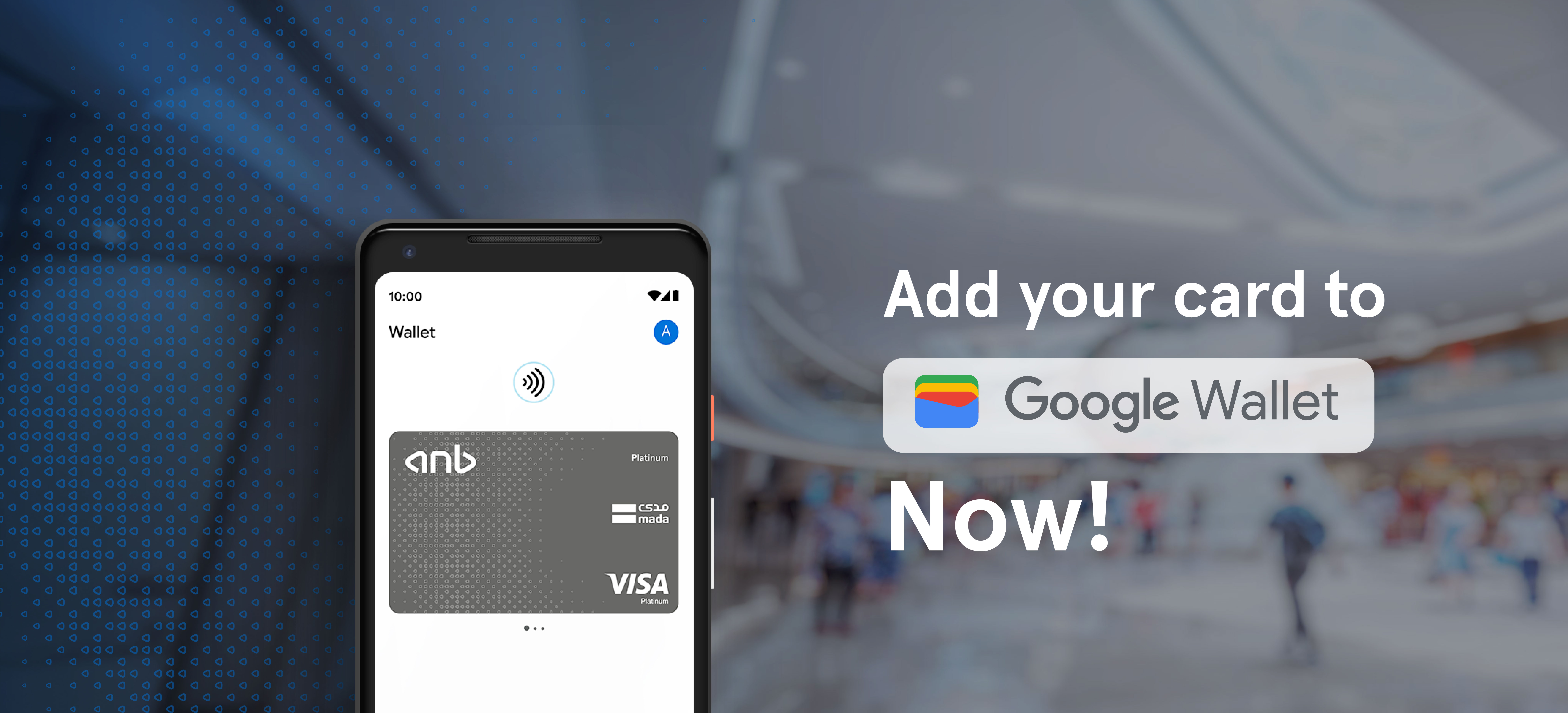
Add your ANB card in minutes and start paying.
Protected by encryption and biometrics.
Add your ANB card in minutes and start paying.

- Download Google Wallet
- Sign in with Google
- Add your anb card
- Verify and start paying

Google Pay is a secure mobile payment service via the Google Wallet app. Just open the app, log in, and add your anb card to start using it.
No internet is needed for payments. You’ll only need it to add or update cards.
Yes. It uses encryption, Face ID or Fingerprint, and one-time codes to protect your data.








Download App Now:


Arab National Bank (anb) - a Saudi joint stock co. - paid up capital SR. 20,000 Million - Unified No. 7000018007 - License No. 4017/m/a/254- National Address 7317 King Faisal Rd. Al Murabba, unit number 1, Riyadh 12613-3536 - P.O. Box 56921, Riyadh 11564, Kingdom of Saudi Arabia - Website: anb.com.sa - Telephone +966114029000 - Fax +966114027747 The Bank is regulated and supervised by Saudi Central Bank
